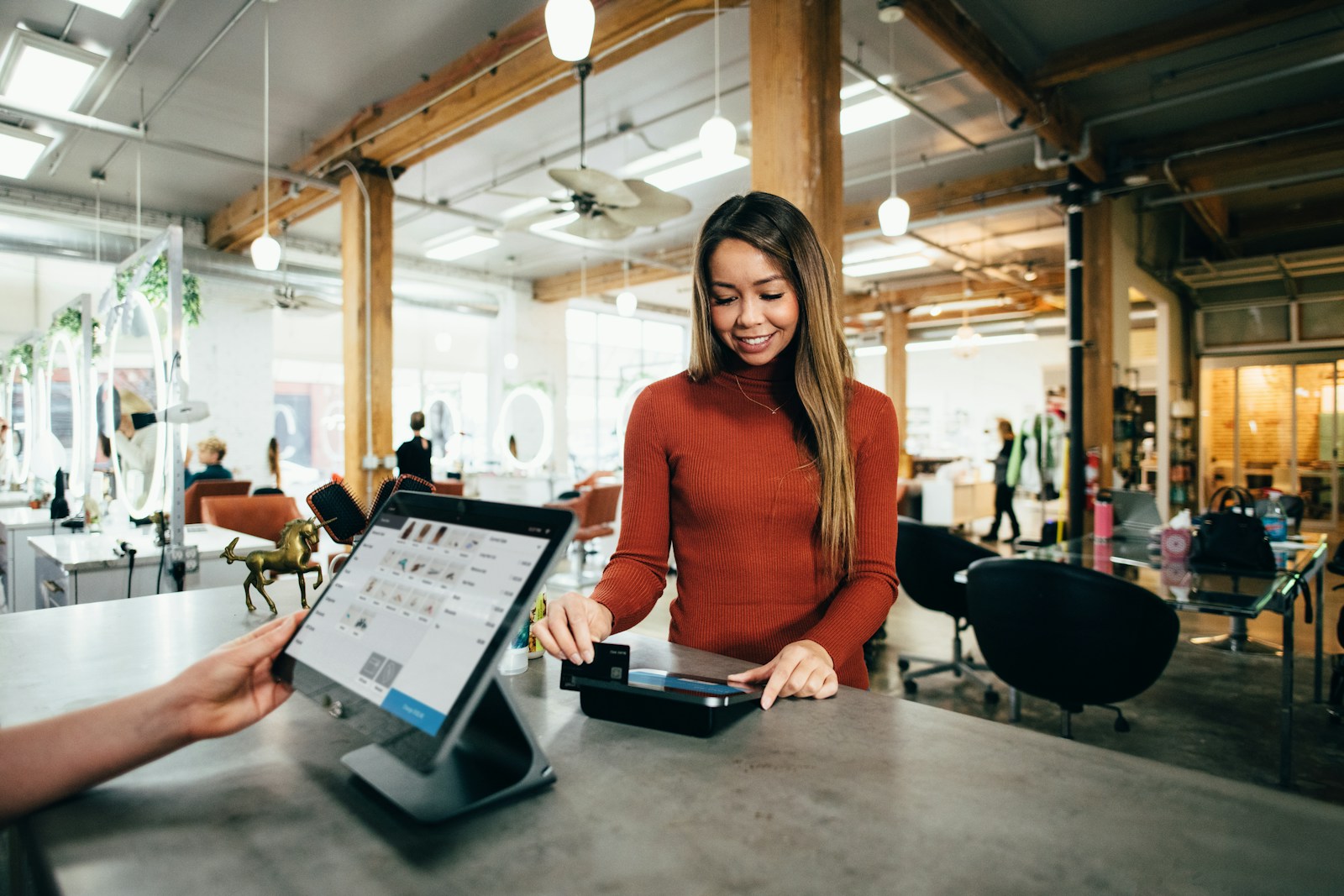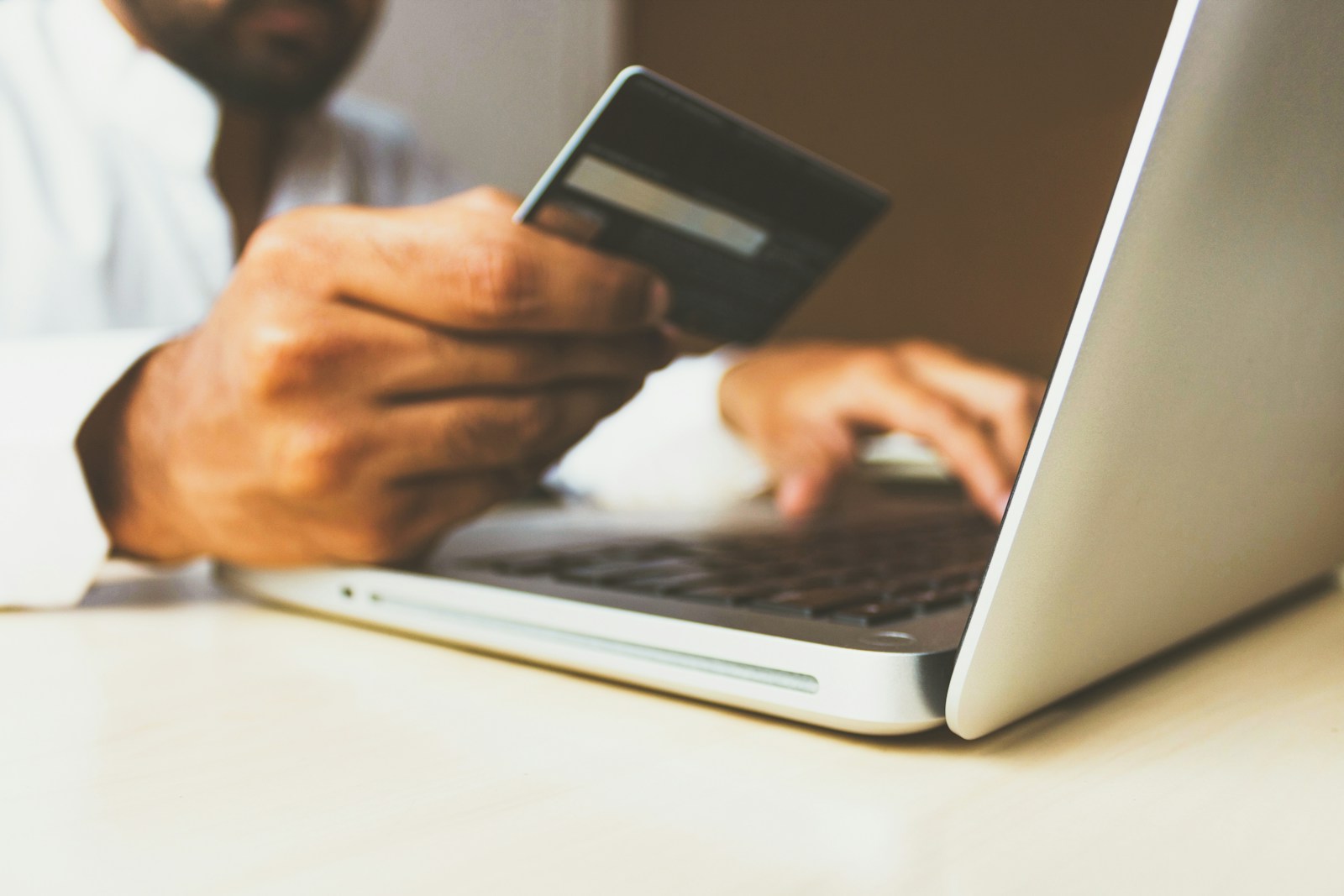

Mobile money makes it easier to pay bills, send money and shop, but every user needs a few strong security habits. Fraudsters may pretend to be customer-care agents, buyers, sellers, delivery staff or people who sent money by mistake. Their aim is often to persuade you to reveal a secret code or approve a transaction you did not intend.

Never share your PIN or one-time password
Your mobile money PIN and one-time passwords are private. A person who knows your PIN or obtains an OTP may be able to authorise activity on your account. Do not disclose these codes to callers, people in chats or anyone claiming they need them to reverse a transaction, release a prize or confirm a payment.
Do not follow instructions from unexpected callers
A caller may claim that money was sent to you by mistake and ask you to enter a code, approve a prompt or transfer the money to another number. Do not act on instructions from an unknown caller. Check your balance and transaction history using your provider’s official service, and contact the provider through a verified channel if you need help.
Check the transaction details before confirming
When sending money, carefully check the recipient name and number displayed before entering your PIN. If the name does not match the person or business you intended to pay, cancel and verify. For online purchases, confirm the seller’s payment instructions through the official website or contact details you independently checked.
Be careful with links and attachments
Unexpected messages may contain links to fake payment pages or files disguised as receipts, invoices or delivery documents. Do not enter account credentials after following an unsolicited link. Avoid opening suspicious attachments, especially files sent by unknown contacts or messages that create urgency.

Secure your phone and accounts
- Use a screen lock and keep your phone’s operating system and apps updated.
- Do not install apps from unfamiliar links or unofficial sources.
- Keep your SIM and phone physically secure.
- Enable transaction notifications and review account activity regularly.
- Do not let strangers handle your unlocked phone during a transaction.
What to do if you suspect fraud
Act quickly. Contact your mobile money provider or financial institution using its official contact details and report the suspicious transaction. Ask what steps are available to secure the wallet and dispute or investigate the transaction. Change credentials where appropriate, secure your SIM and email account, and keep transaction IDs, messages and phone numbers as evidence. If your phone or SIM may have been compromised, contact your network operator promptly.
The Cyber Security Authority (CSA) provides a 24-hour cybersecurity incident reporting point. Its published channels include call or text 292 and WhatsApp 0501603111. The Bank of Ghana also advises customers to protect personal identification information, use available security features and report suspected fraud to their financial institutions or service providers.
Useful official resources
- Cyber Security Authority — Public Advisories
- Bank of Ghana — Digital fraud and customer safety guidance (October 2026)
This article is general digital-safety information. Contact your provider or financial institution for account-specific assistance.